What this tool does
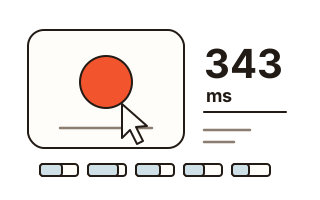
Wondering whether your reflexes are still sharp after a long day, warming up before a match, or settling who in the room is quickest? This reaction time test times how long you take to respond to a signal. A large box turns from dark to coral, and the clock stops the instant you click, tap or press a key. The result is shown in milliseconds (ms).
One try can be lucky or unlucky, so the test takes five and averages them. The wait before each signal is a fresh random time between 2 and 5 seconds, which means you cannot learn the rhythm and press ahead of it. Press before the colour changes and you see "Too soon": that try is not counted and runs again.
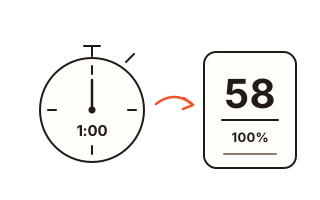
When the five tries are in, they are drawn as bars side by side with the average, the fastest, the slowest, the gap between those two, and how many times you jumped the gun. You can save the result as a picture card (PNG) to send to friends.
How to use it
- Press the big box to start.
- Wait while it is dark. When it turns coral and shows Press now, press straight away — left mouse button, a tap, the space bar or Enter all work.
- Your time appears in the box. Press the box again to start the next try; after five, the result appears.
- Press Save result card to get a picture of your average and your five times.
Timed when you press down, not when you let go
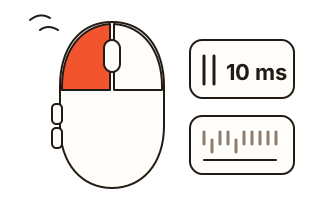
The clock stops as the mouse button goes down, as your finger touches the screen, or as the key goes down. It does not wait for the release, so holding the button a little longer changes nothing. The test uses the time the browser received the input, so a page that is momentarily busy does not add to your result.
The signal is put on screen in step with the browser's next frame, and timing starts there. What a web page cannot see is how long your monitor takes to light up the new picture and how long your mouse or keyboard takes to report the press; both end up in the result. That is why the same person can get different numbers on another computer.
Too soon? That try runs again
A press before the colour change is not recorded. The box says it was too soon, and pressing it again starts a new random wait for the same try. The result lists how many early presses there were, so you can see that no lucky guess slipped into your average.
Switching to another tab or window while waiting also cancels that try, because you could not have seen the signal. The box changes colour once per try and never flashes.
Why there is no average by age
Plenty of sites print a table of typical reaction times by age, but few say how many people were measured, on what hardware, or how. Because screens, mice and browsers all shift the numbers, comparing yourself with a figure of unknown origin is more likely to mislead than inform.
Instead, the test compares you with yourself: your past results stay in this browser, with your fastest average marked. Measure on the same device with the same input method on different days and you will see the effect of sleep, practice or time of day. Keep mouse and touch results apart when you compare.
Your data
Your press times and results are worked out in this browser and never sent to a server. Only your last 30 results are kept, in this browser's storage, and the Clear records button removes them at once.
Questions and answers
What is an average reaction time?
We have not found age averages with a clear, checkable source, so the test does not compare you with a number. Results also depend on your monitor, mouse and browser — compare your own results taken on the same device.
Does it work on a phone?
Yes. Tap the box and the clock stops the moment your finger touches the screen. Phone screens and touch sensors take different amounts of time to report a touch, so phone results may not match those from a computer.
Why five tries?
A single try can be unusually fast or slow by chance. The average of five gives a steadier picture of the day, and the gap between your fastest and slowest shows how consistent you were.
Can I use the keyboard?
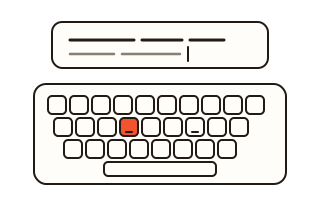
Yes. Click the box once or move to it with Tab, then press the space bar or Enter. Holding a key down so that it repeats by itself does not count as a press.
What is on the result card?
A 1080 × 1350 picture with your average, bars for the five tries, your fastest and slowest times and the date. No name or other personal details.